Table of Contents
In an era dominated by subscription models and constant internet connectivity, we wanted to build a reading app that returns full control to the reader. Most modern digital reading platforms track your reading speed, catalog your library on their servers, and require constant internet access just to let you open a page.
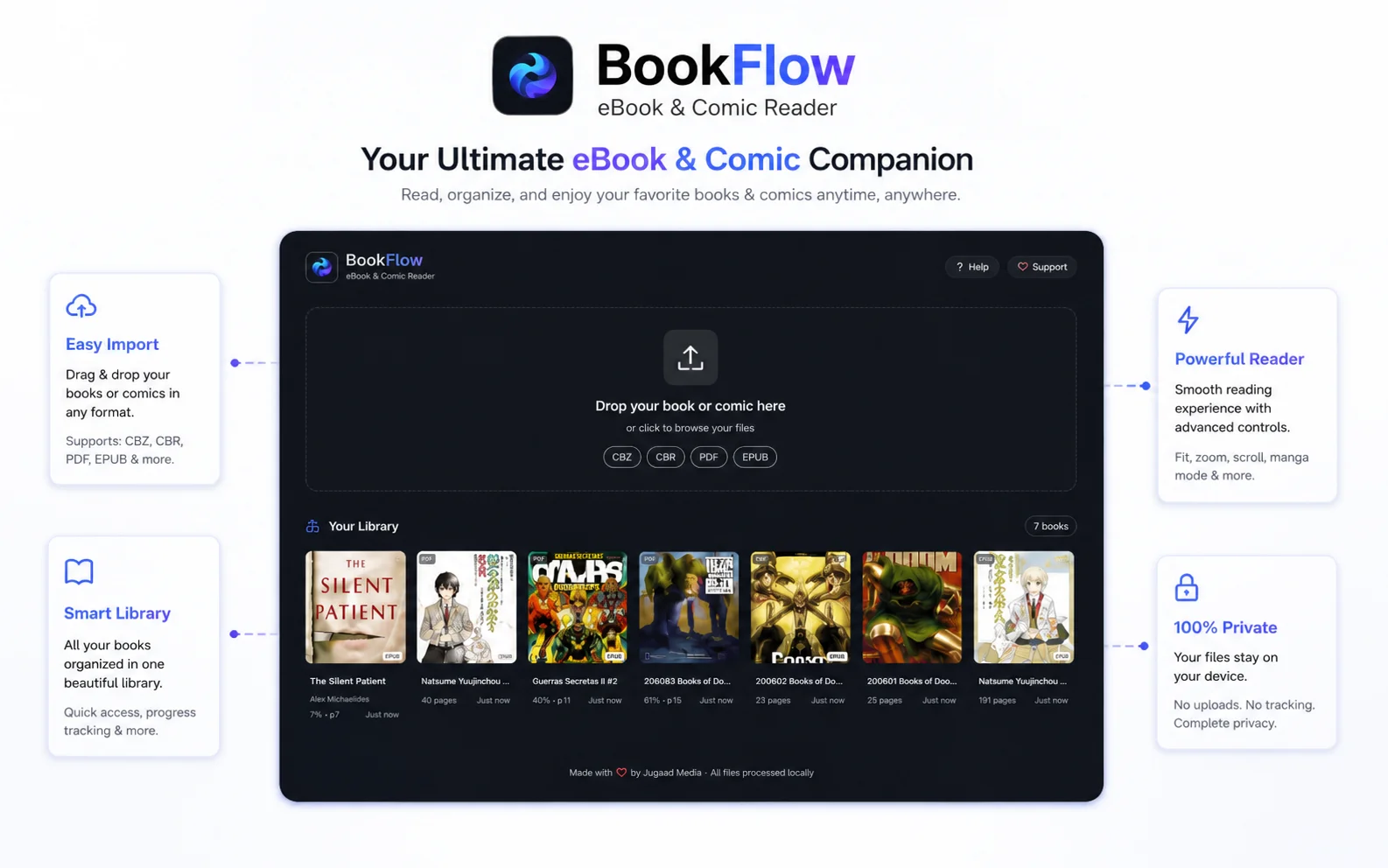
BookFlow is built differently. It operates entirely inside your web browser. You can organize, catalog, and read your personal library of eBooks (EPUB, PDF) and digital comics (CBZ, CBR) completely offline, with no account required and absolute privacy.
Why Offline-First Matters
Many web-based readers process your books on external servers, uploading your files and metadata to third-party databases. BookFlow processes everything right on your computer.
Here's how BookFlow delivers a seamless local reading experience:
- No Storage Limits: Store large collections of eBooks, novels, and digital graphic novels directly within your browser profile folder.
- Instant Progress Tracking: Automatically remember the exact page you left off on, customize reading tags, and write personal book reviews that stay stored on your computer.
- Zero Battery & Performance Lag: Open and flip through large comic archives and graphics-heavy book pages smoothly, even on older devices, thanks to highly optimized local rendering.
Read Comics and Graphic Novels Instantly
Reading comic files (.cbr and .cbz formats) inside a browser can often be slow because they are composed of folders packed with high-resolution image pages. BookFlow uses highly optimized, local extraction processes to unpack and pre-load comic pages in the background.
This ensures you enjoy lag-free page flips, zoom controls, and custom layouts at a steady 60 frames per second. Most importantly, it runs within a completely secure sandbox inside your browser, shielding your computer from any potentially harmful files.
Core Features Matrix
Broad Format Support
Support for ePUB text layout reflows, PDF vector rendering, and CBZ/CBR image grids in one reading dock.
Lag-Free Performance
Highly optimized extraction layers process comic pages in the background, keeping page flips fast and fluid.
Absolute Privacy
Zero tracking scripts. No registration required. Your reading habits and library files never leave your system.
Adaptive Controls
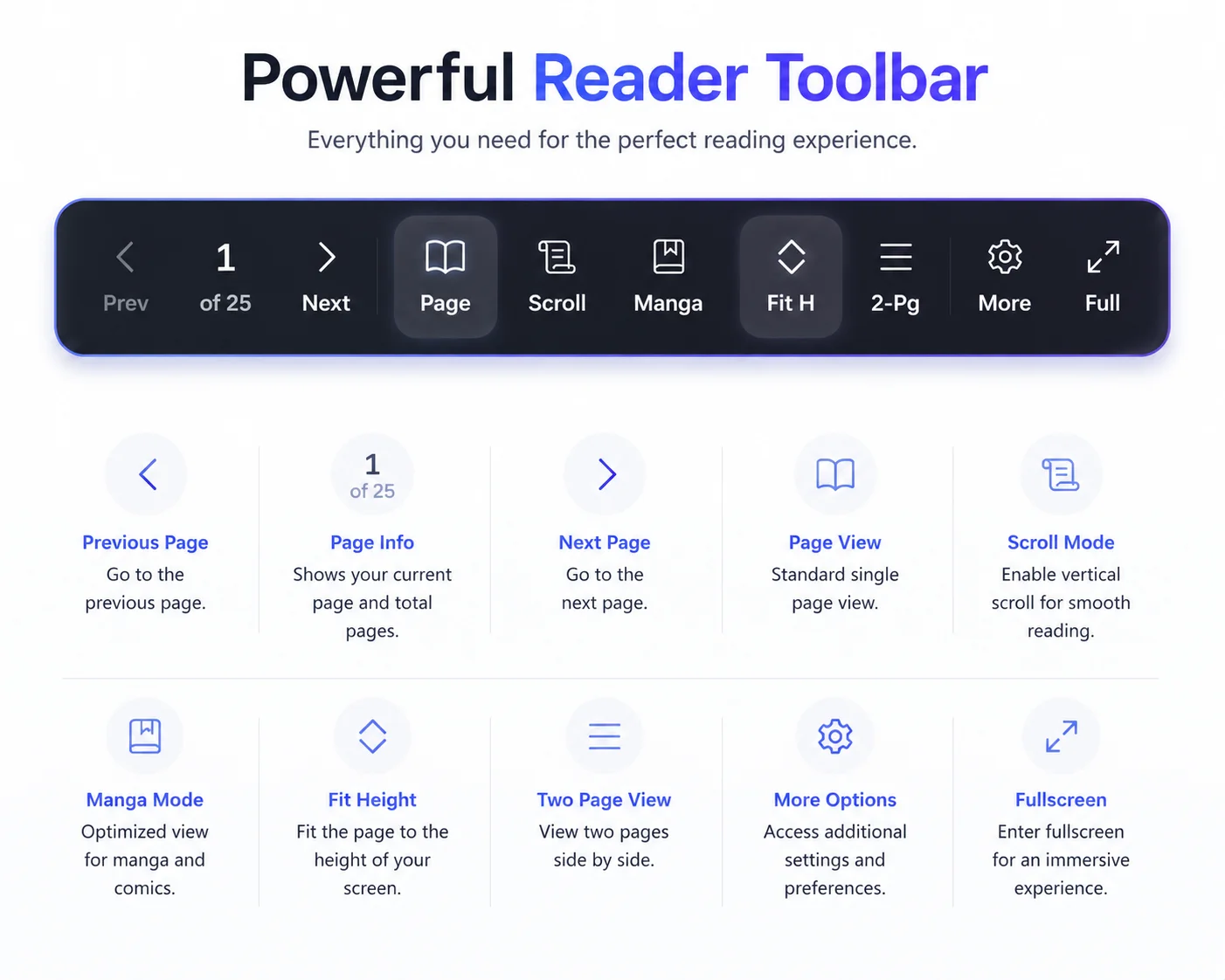
Custom fonts, dual-page mode, slider scroll maps, automatic bookmarks, and customizable reading theme templates.
Gallery & Theme Showcase
Seamlessly switch between our optimized dark and light interfaces designed for high-performance offline reading.
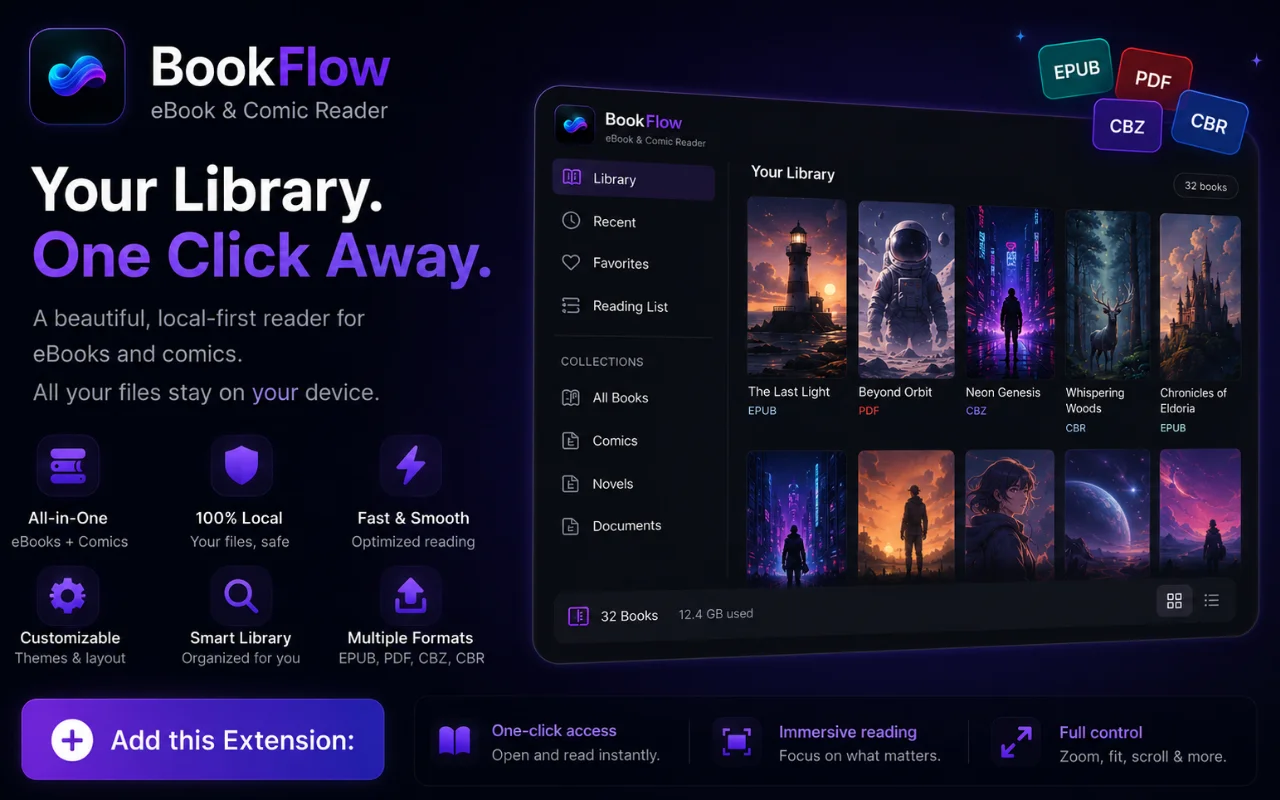
Main Library Organizer
Manage your offline library with absolute privacy and local metadata matching.
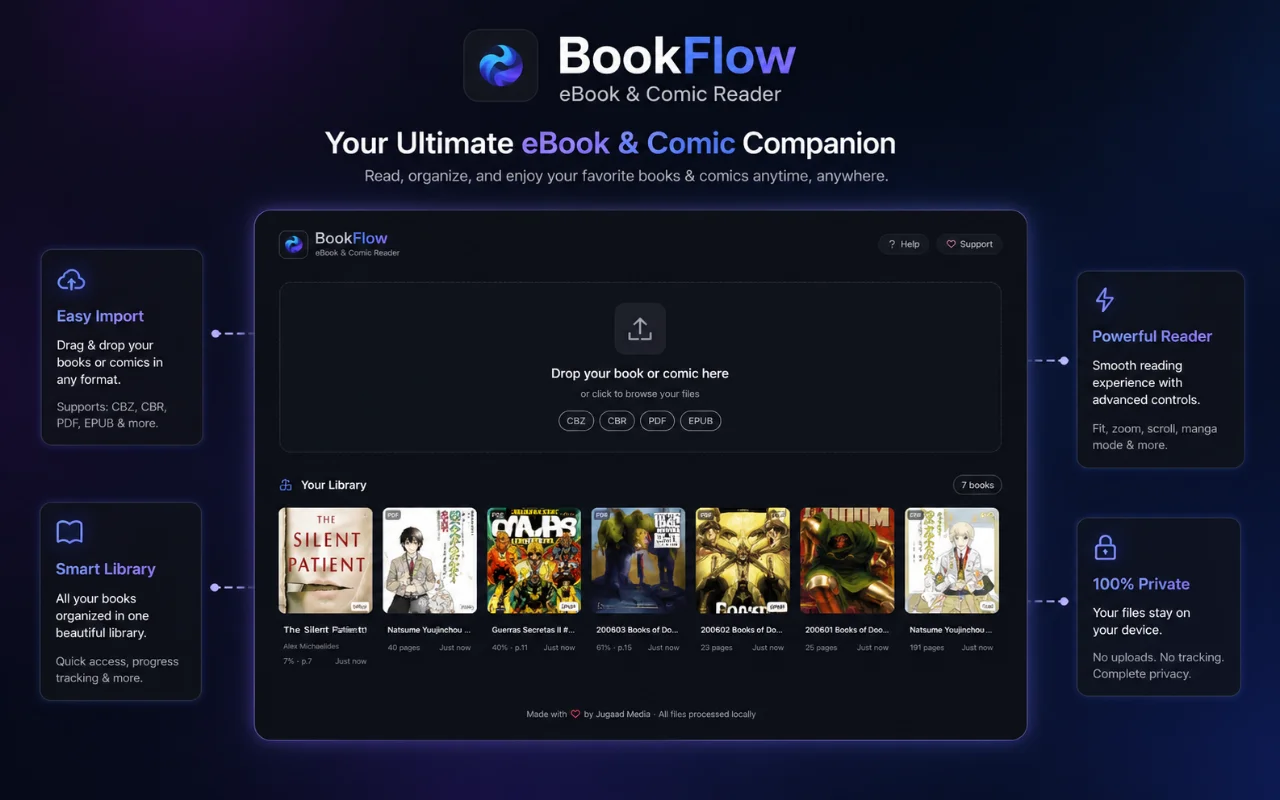
Book Customizer Dock
Tailor font scales, backgrounds, line-heights, and reflow settings dynamically.
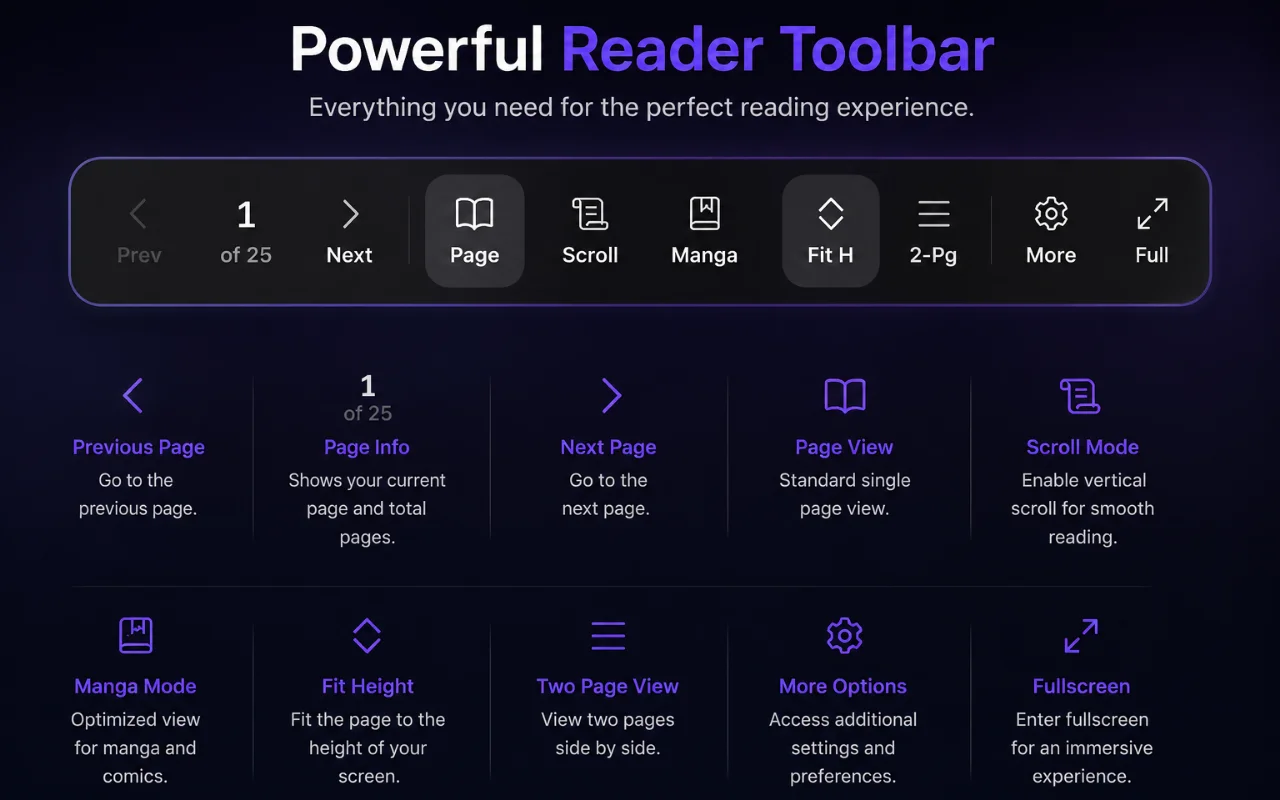
Comic Reader Mode
Optimized CBR/CBZ decompression grids for high-performance reading.
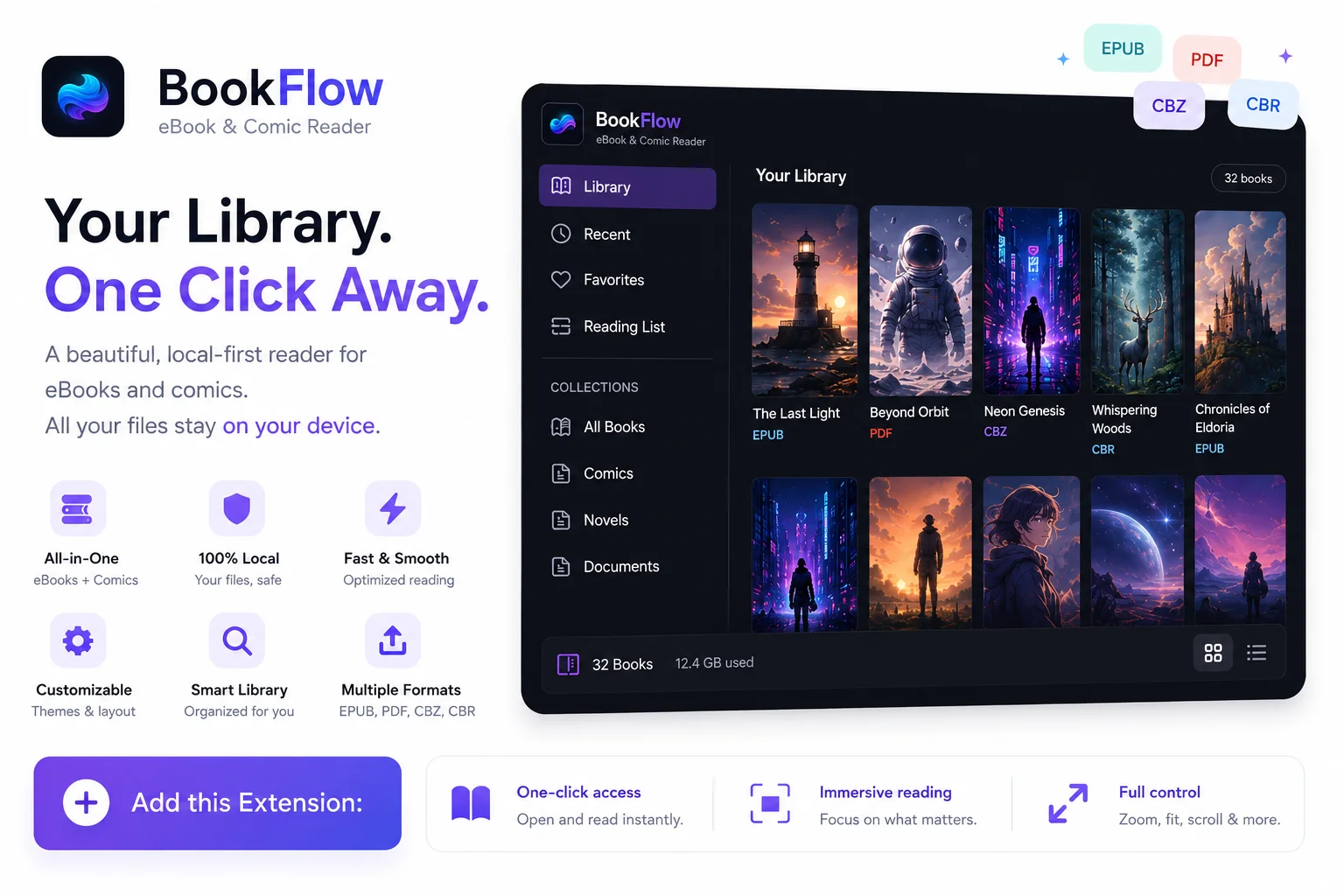
Comparison Matrix: Reading Tools Compared
| Feature | BookFlow | Standard PDF Viewer | Web e-Readers |
|---|---|---|---|
| Formats Supported | EPUB, PDF, CBZ, CBR | PDF Only | Varies (mostly EPUB) |
| Offline Reading | Yes (100% Offline) | Yes | No (requires connection) |
| User Account | Not Required | Not Required | Mandatory Login |
| Telemetry & Ads | None (Local Privacy) | None | High Tracking & Ads |
| Theme Controls | Yes (Sepia, Cyber, Dark) | Basic Dark Mode Only | Limited Adjustments |
Frequently Asked Questions (FAQ)
Does BookFlow support manga and comics in CBZ or CBR format?
Yes, BookFlow fully supports digital comic formats including CBZ and CBR. It decompresses image archives locally and pre-renders pages in the background for a lag-free reading experience.
Are my imported eBooks or reader highlights sent to any cloud servers?
No. BookFlow operates 100% offline and locally inside your browser sandbox. Your personal eBooks, library collections, notes, and reading progress never leave your computer.
Can I customize page themes, background colors, and font sizes in BookFlow?
Yes, the reader customizer panel allows you to dynamically adjust font sizing, page margins, and switch between customized themes including Light, Sepia, Dark, and Cyber.

Start Reading Privately Today
Install BookFlow and experience your digital library without limits or tracking.
Add to Chrome | It's Free